The first screen
- A short introduction of five pages. Swipe through it or press Skip to jump to the last page, where you choose how to start.
- One welcome screen, "Read, think and write, on your PC", where you choose how to start.
- A short introduction of four or five pages. Skip, on the pages before the last, goes straight to the home screen.
Using Rectoly on Linux
Rectoly on Linux is the same app as on Windows, with the same screens and controls, so the Windows instructions in this guide apply as written. In the switch at the top of the page, choose Windows · Linux. Where the guide mentions File Explorer, read your file manager; where it shows a path such as C:\…, read the matching place in your home folder.
- Installing: for 64-bit x86 PCs. On Ubuntu 22.04, Linux Mint 21, Debian 12 or later, open a terminal in the folder the .deb was saved to and run
sudo apt install ./rectoly-for-*.deb. On other distributions (glibc 2.35 or later), unpack the .tar.gz anywhere and startbin/Rectoly for Mendeley(orbin/Rectoly for Zotero) inside the folder. Download it from the Windows, Mac and Linux page. - Not on Linux: text recognition in scanned PDFs, handwriting recognition and the handwriting search that relies on it, and reading aloud. Handwriting itself — writing, erasing, syncing — works.
- Updates: not automatic. Rectoly tells you about a new version when it starts; install the new .deb or .tar.gz the same way. See Updates.
- Buying: as on Windows, on rectoly.com through our reseller Paddle. Sign in with the same account and the purchase covers your other systems too. See Trial and purchase.
- Typing Japanese, Chinese or Korean: works with fcitx5 and IBus.
- Where your data is kept:
~/.local/share/rectoly(~/.local/share/rectoly-zoterofor the Zotero edition). Sign-in details are stored encrypted in that folder; the system keyring is not used.
Agree to the terms
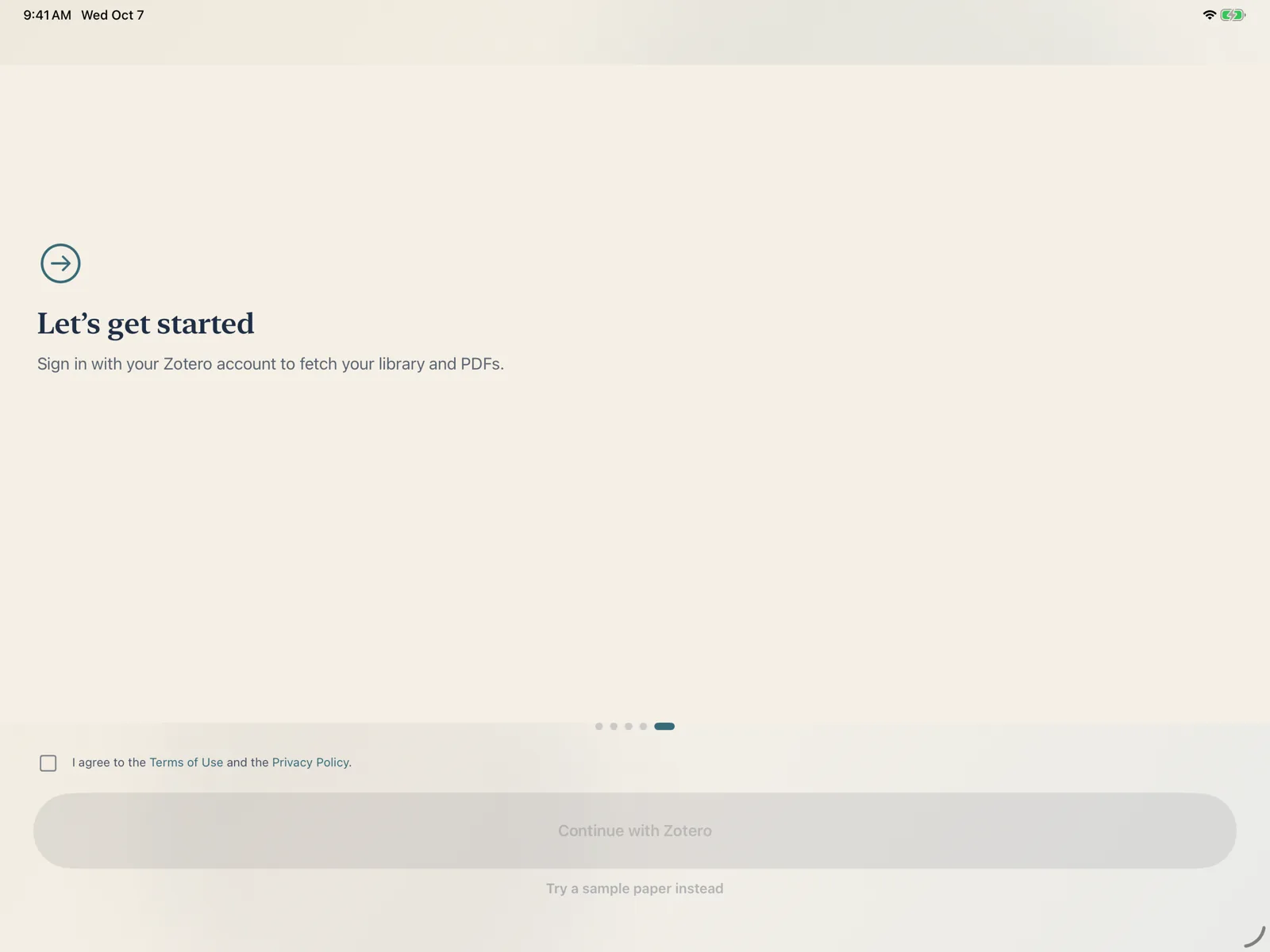
Before anything else, tick I agree to the Terms of Use and the Privacy Policy. The buttons stay disabled until you do. Both documents are linked from the box: Terms of Use, Privacy Policy.
When the terms change, Rectoly shows Terms of Use and Privacy Policy once at the next launch. Read them and press Continue to keep using the app.
Choose how to start
- Sign in to bring in your library and its PDFs. See Signing in and accounts.
- Continue with Mendeley
- Continue with Zotero
- Continue without an account: go straight to the library without signing in. You can sign in from there at any time, and you can open PDFs from your device (see Opening a PDF without signing in).
- Try a sample paper instead: the sample paper opens in the reader, without an account (next section).
Try the sample paper
Rectoly comes with a sample paper. Inside it every feature is free — Reading Mode, two panes, highlights, sticky notes, handwriting — so you can try everything before you sign in or start the trial.
- Press Try a sample paper instead on the last introduction page.
- While you are not signed in, the sample paper is listed in the library.
- Press Try a sample paper instead on the welcome screen, or later Try the sample paper in the On this PC list of the library. It opens on this PC without signing in.
- Press Try the sample paper in the On this PC list of the library. It opens on this PC without signing in.
- Press Try a sample paper instead on the last introduction page, or Sample PDF on the home screen.
- Press Sample PDF on the home screen.
Sample library. The Mendeley edition on iPad and Mac also has a six-paper sample library with collections and annotations. Press Try without an account (sample library) in the library sidebar. Nothing is sent to Mendeley, and everything in it is free. To switch to your own library, sign out of the sample library in the account sheet and sign in with Mendeley.
The home screen on Android
Going back from the library shows the home screen with four cards: the Mendeley Library or Zotero Library, Open PDF… (a PDF from this device), Settings and Sample PDF.
Usage statistics
Paper analysis and the annotation index run on your device. The only thing that leaves it is anonymous usage statistics, which you can switch on or off. Choose on the "Where your data goes" page of the introduction ("What leaves your device" in the Zotero edition; on Windows, the welcome screen), or later with Help improve Rectoly (anonymous) in Settings. Nothing is sent before you agree to the terms. See Your data.