01
Mark it as you read
Highlight, underline and add sticky notes on the Reading Mode text. Each annotation is placed at its real position in the PDF, so it is an ordinary annotation.

Other readers send you back to the PDF every time you want to mark something. In Rectoly, highlights, underlines, sticky notes and Apple Pencil handwriting go straight onto the reflowed text.
Highlight, underline and add sticky notes on the Reading Mode text. Each annotation is placed at its real position in the PDF, so it is an ordinary annotation.
Circle a figure or write a question in the margin with Apple Pencil. It writes like the iPad's own pen, and your palm resting on the screen draws nothing.

Rectoly reads your Apple Pencil handwriting on the device and uses it to search your library and the PDF. It becomes searchable seconds after you write, and what it reads never leaves the device.
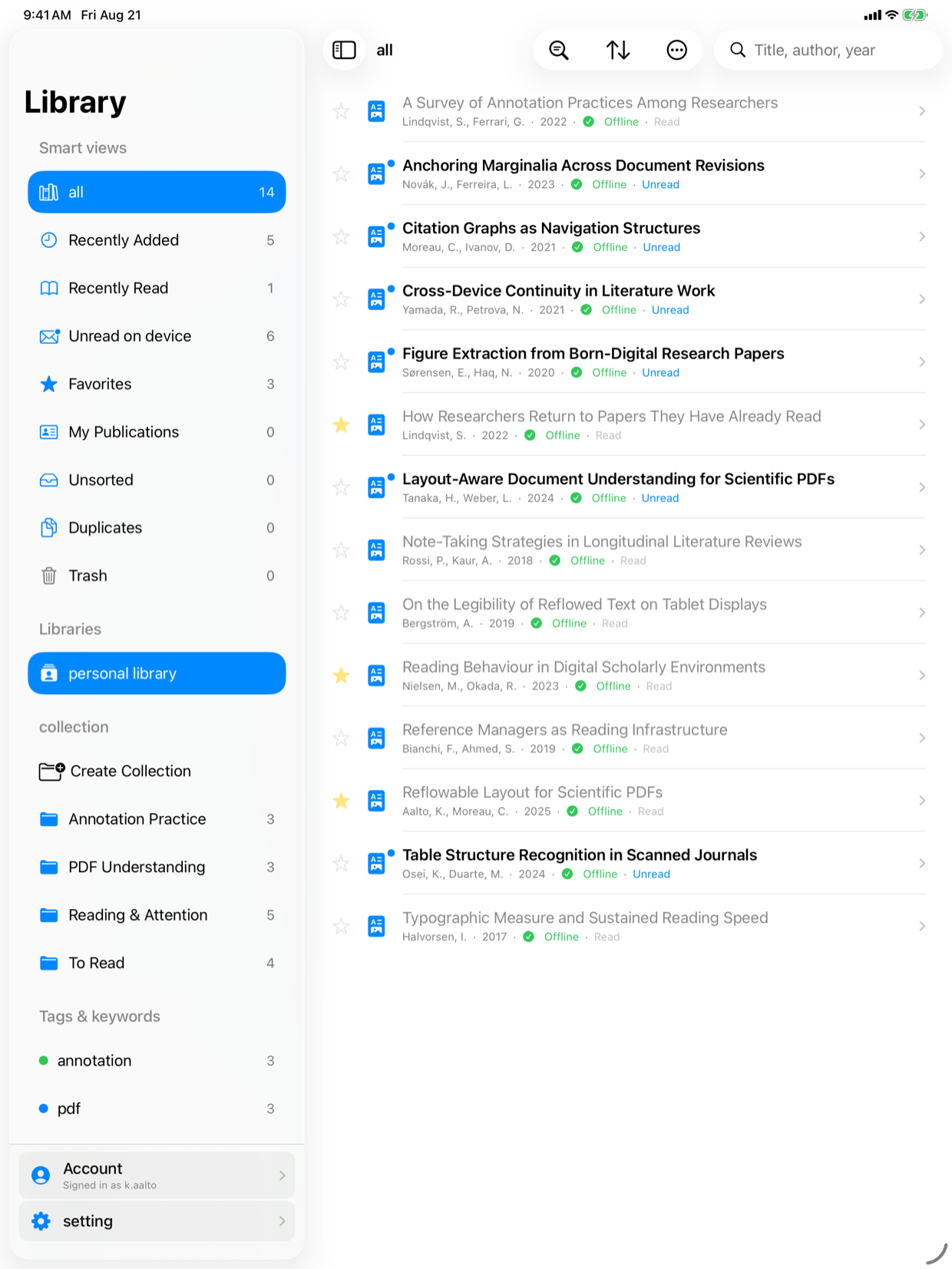
Highlights and notes sync to Mendeley or Zotero as ordinary annotations. In the Zotero edition, handwriting on the PDF page syncs too, as Zotero ink annotations you'll see in Zotero on the desktop.

The printout and red pen, replaced by one iPad.
Jot the questions you want to ask in the margin, with the iPad on your knee.
Search for what you wrote and it turns up — even if you've forgotten which paper or page it was on.
Download it free from the App Store and try everything. If it earns a place in your day, buy it once. No subscription.